
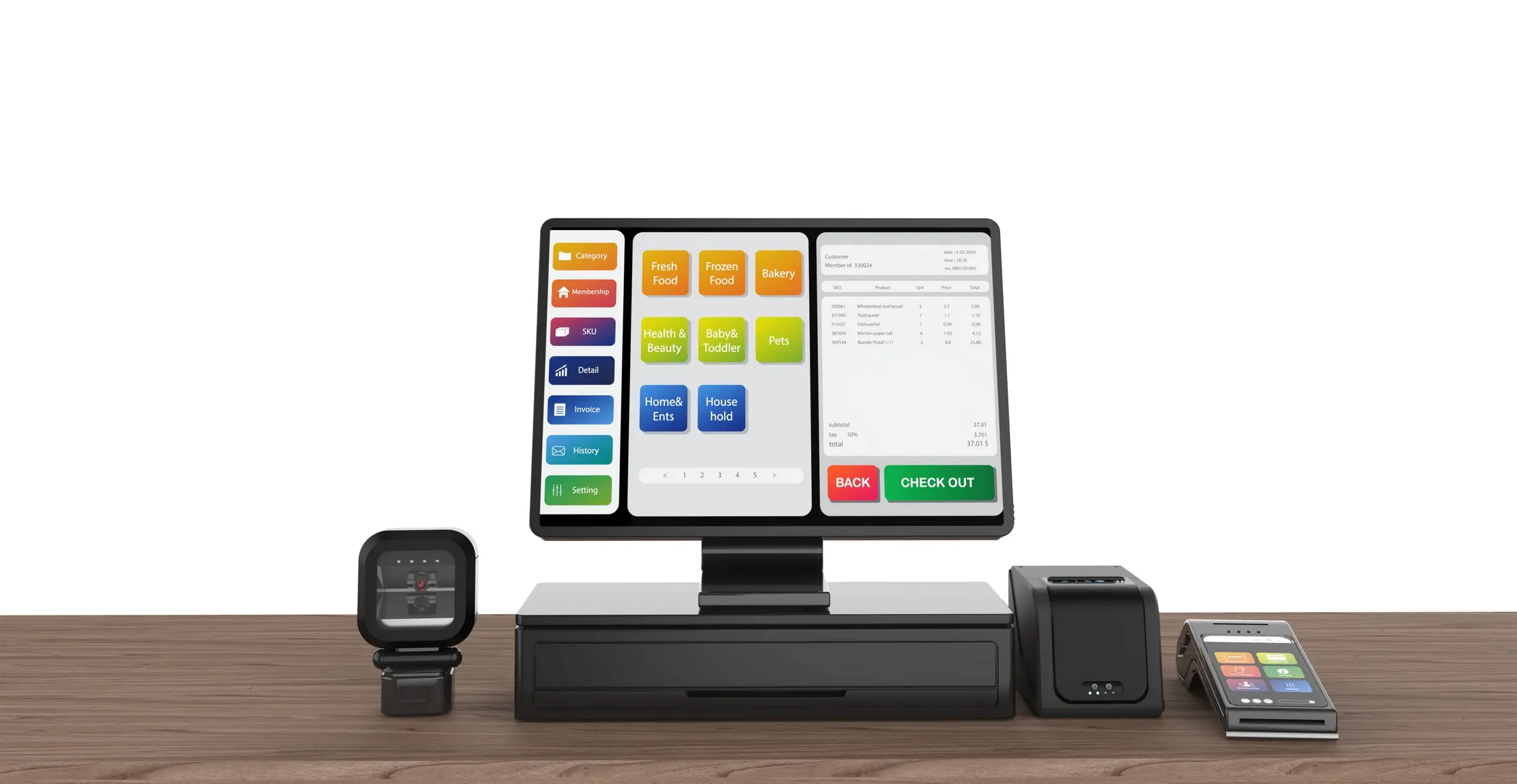
EFRIS and POS: What Ugandan Businesses Should Stop Doing Manually
Entering the same sales transaction in both the POS and EFRIS creates avoidable work. Connect sales capture, fiscal receipts, references and daily reports, while keeping exceptions visible for review.
A sale should not be typed twice just because tax administration happens in a second system. In Uganda, the dangerous gap is often between the till, the EFRIS record, the payment reference, and the report someone prepares at the end of the day.
EFRIS is the Uganda Revenue Authority's Electronic Fiscal Receipting and Invoicing Solution. For a business that must use it, the practical question is not whether the requirement exists. It is whether the business can capture a sale once, produce the required fiscal record, keep the reference with the sale, and review exceptions without rebuilding the day from paper and spreadsheets.
What EFRIS changes at the point of sale
URA describes EFRIS as a system that uses electronic fiscal devices, e-invoicing, or direct communication with business transaction systems. When a transaction is initiated, its details are transmitted to URA in real time to generate an e-receipt or e-invoice. The document includes identifiers such as a fiscal document number, verification code, and QR code.
That makes EFRIS different from an ordinary PDF invoice saved at the end of the week. The fiscal record is part of the transaction flow. VAT-registered taxpayers are required to enrol, while other businesses may use EFRIS voluntarily; confirm the current obligation for your taxpayer status with URA or your adviser.
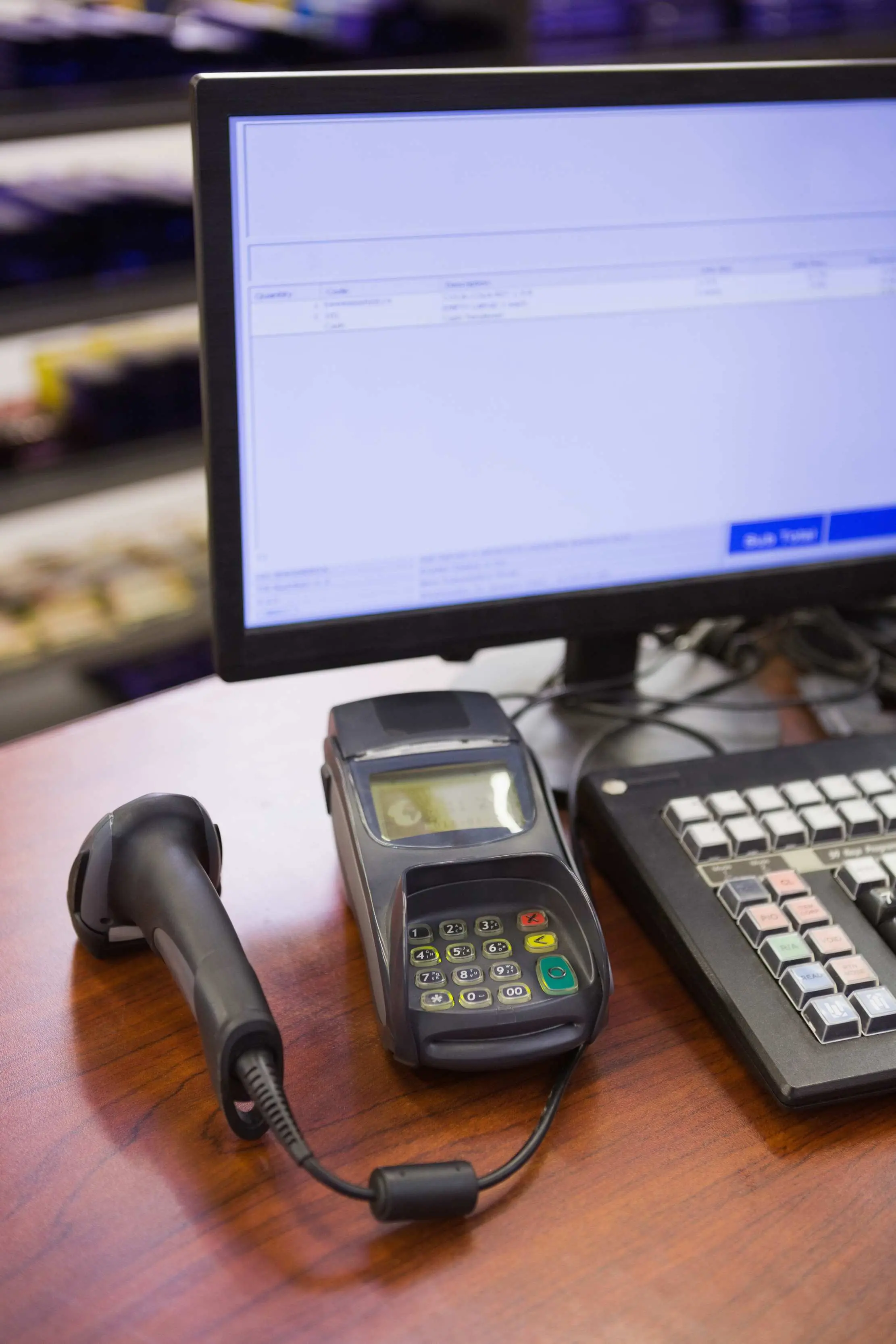
Stop retyping the same sale into two systems
Manual handling usually begins with a normal POS sale, followed by a second visit to a portal, desktop tool, spreadsheet, or notebook. Someone copies the customer details, product lines, quantities, prices, tax treatment, and total. The second entry may look harmless, but every copied field is another place for a wrong quantity, a missing line, or a different total to enter the record.
A connected workflow should make the POS the place where the sale is captured. The fiscal connector then receives the structured transaction data. If a field is required for the fiscal document, the cashier should be prompted at the right moment, not asked to remember it during a later paperwork session.

Stop keeping fiscal references in a separate notebook
A receipt number or verification reference is only useful if it can be found beside the sale it describes. A loose list of EFRIS numbers makes refunds, customer questions, accountant reviews, and audit preparation slower. It also makes it hard to answer a simple question: which original sale produced this fiscal document?
The POS record should retain the fiscal document reference, its status, the time it was issued, and any response returned by the fiscal service. When a document fails, the system should show a visible pending or failed state rather than quietly allowing the team to assume that a printed receipt is the same thing as a confirmed fiscal document.

Stop rebuilding daily reports from separate tabs
A daily close should not require the owner to add a POS export, an EFRIS download, mobile money screenshots, cash counts, and a handwritten list of cancelled sales. The close becomes reliable when the sales report can be filtered by fiscal status and matched to payment method, cashier, branch, receipt number, and transaction total.
The aim is not to automate judgement. It is to make the exceptions visible: a sale with no fiscal response, a document that failed validation, a refund that needs approval, a payment that is still pending, or a difference between the till and the fiscal record. Those are the items a manager should investigate before closing the day.
Automate the routine and keep exceptions human
A good integration can automate data transfer, document numbering, response capture, status updates, and report links. It should not turn a correction into a silent overwrite. Voids, refunds, incorrect tax details, duplicate attempts, and changes to a completed sale need a reason, an authorised actor, and a trace back to the original transaction.
This matters for ordinary business control as much as for tax. When an employee can delete a line in one system and leave the other system untouched, the business loses a reliable history. When the correction is recorded as a new, approved event, the owner and accountant can see what changed and why.
Do not assume that offline POS means offline EFRIS
A connectivity-resilient POS can keep the operational sale moving during a short internet interruption. That is not the same as issuing a real-time fiscal document without a connection. URA's guidance says that EFRIS access and system-to-system connections require internet, so a business must ask what happens to the fiscal step when the network is unavailable.
For Maduuka, the Android app is designed to keep core selling available through brief connectivity drops, while the EFRIS connection itself is a network-dependent service. Before go-live, test the exact sequence: cash sale, printed receipt, fiscal submission, retry after reconnection, and the report status after the document is accepted. Do not promise a customer an EFRIS document that the system has not confirmed.
Process: The connected POS and EFRIS workflow
Capture the sale once
The cashier selects the product, quantity, customer details, payment method, and tax-relevant fields in the POS.
Validate before submission
The system checks required fields and flags missing or inconsistent data before sending the transaction to the fiscal service.
Generate and save the fiscal response
The e-receipt or e-invoice response, document number, verification details, and status are stored against the original sale.
Show the customer the correct document
The cashier prints or shares the appropriate receipt or invoice only after the workflow makes its status clear.
Review exceptions at close
The manager checks failed, pending, voided, refunded, or unmatched transactions and records the action taken.
Export a coherent audit trail
The accountant receives sales, fiscal references, payment evidence, and correction history that can be traced back to each transaction.
Controls: Manual habits to retire
- Typing the same sale into the POS and a second fiscal system.
- Copying receipt or verification numbers into a separate notebook.
- Downloading several reports and matching them by eye every evening.
- Treating a printed POS receipt as proof that the fiscal document was accepted.
- Changing a completed transaction without a reason, approval, or audit trail.
- Assuming that an offline sale automatically becomes an offline EFRIS document.
- Waiting until month-end to discover failed submissions or unmatched references.
Common questions
Sources and institutions worth crediting
- Uganda Revenue Authority - EFRIS: Primary source for EFRIS definition, real-time transaction transmission, taxpayer scope, document identifiers, and internet requirements.
- Uganda Revenue Authority - EFRIS Handbook: Primary source for the distinction between e-invoices and e-receipts and the system-to-system workflow.
- Maduuka - Data security and payment integrations: First-party product source for Maduuka's EFRIS integration, HTTPS/TLS transport, and server-side credential handling.
- Maduuka - POS buying guide: Related Maduuka article covering the broader POS selection decision; this article focuses specifically on EFRIS workflow and manual work reduction.
Connect the sale to the record it creates
Maduuka brings POS, payment records, reporting, and the Ugandan EFRIS workflow into the same operating conversation. Test the ordinary sale and the exception before you go live.